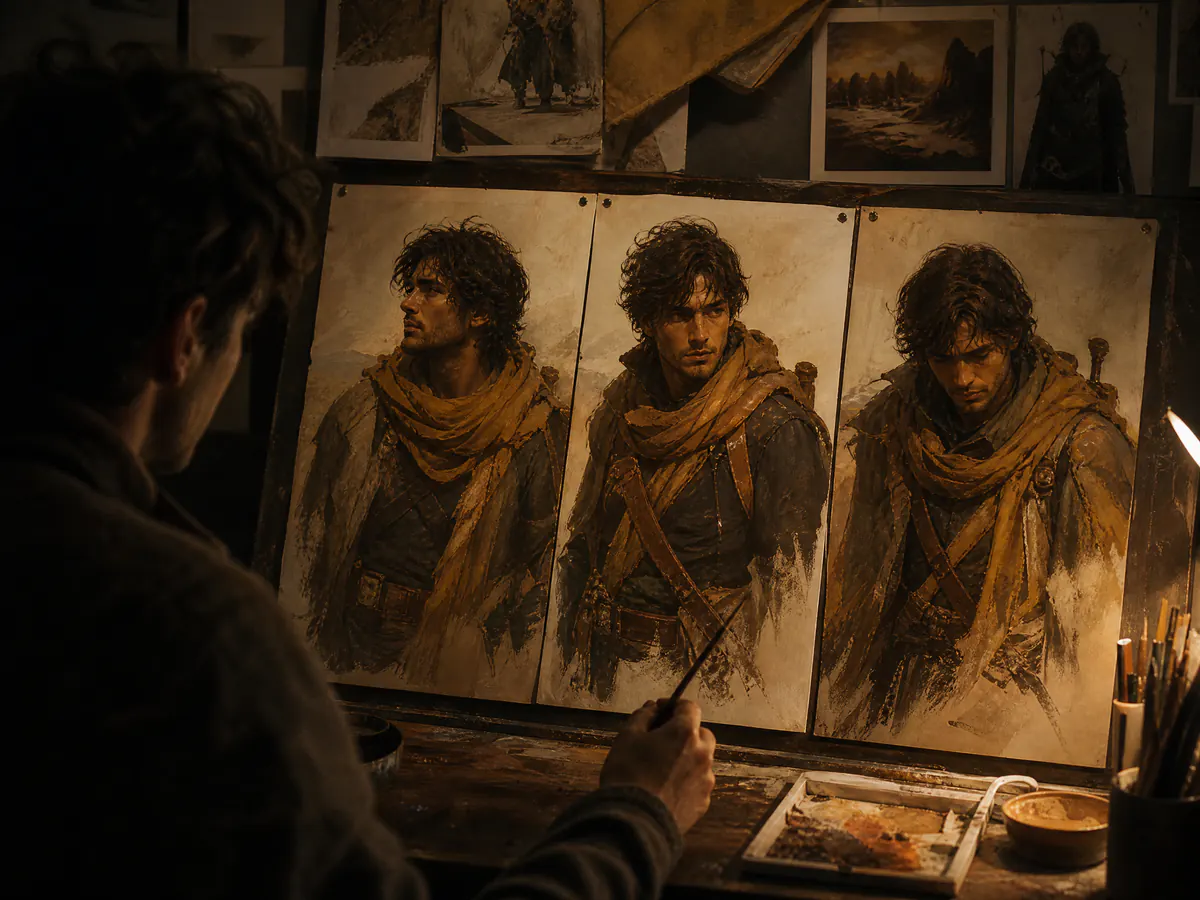
monalisa-1 studio · free AI image generator · monalisa-1 model coming soon

monalisa-1 studio — the free AI image generator for pictures worth framing.

Turn one prompt into AI art you would actually hang, and start free. The monalisa-1 AI image generator runs GPT Image 2, Nano Banana 2, Nano Banana Pro and Z-Image side by side, while the monalisa-1 model — the art-first model we are building ourselves — sits in the catalog as coming soon rather than being sold as something you can use.

  • Four production AI image models — the monalisa-1 model is coming soon
  • Text to image and image to image in one monalisa-1 AI image generator
  • Free to try in monalisa-1 — credits only when a generation succeeds

No waitlist, no invented specifications, and no borrowed picture presented as monalisa-1 model output. Every AI image on this monalisa-1 page carries the name of the model that actually made it.

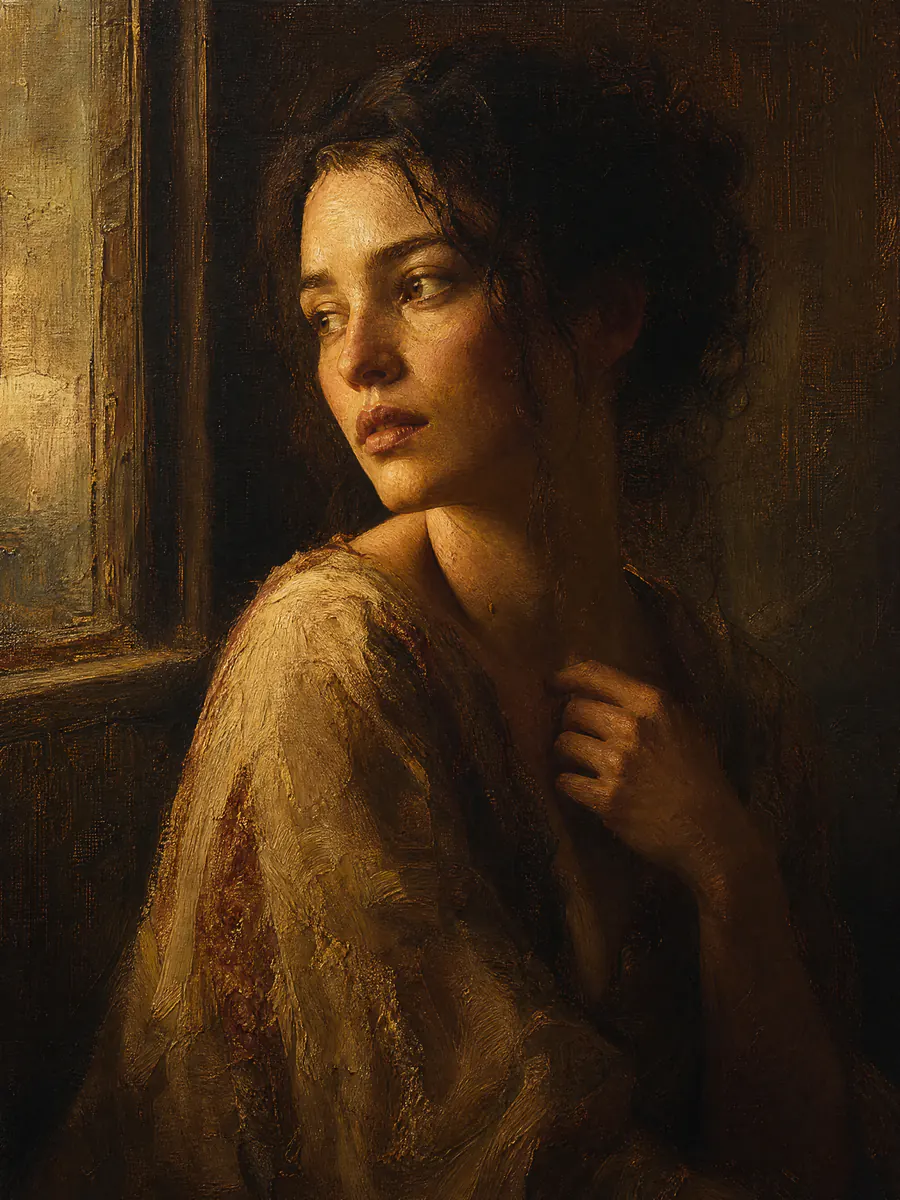
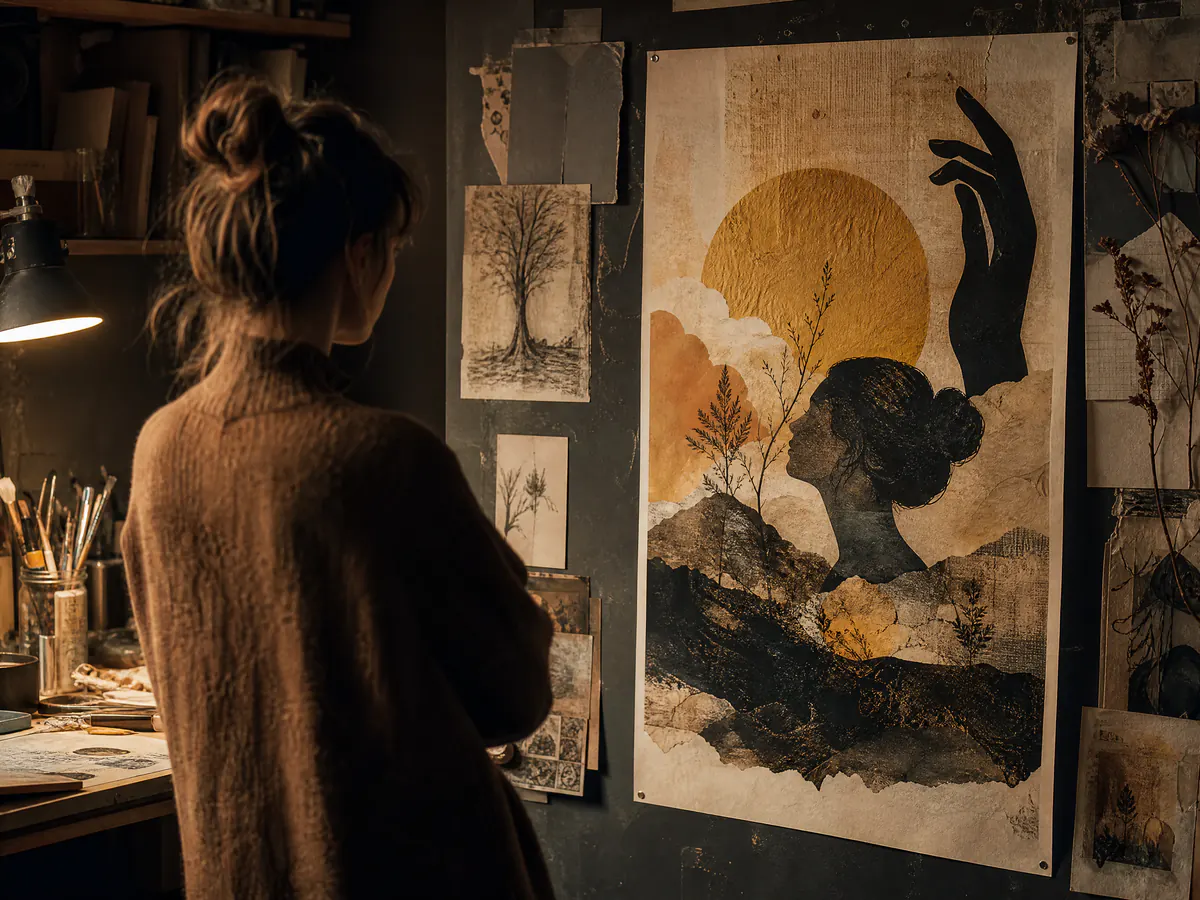
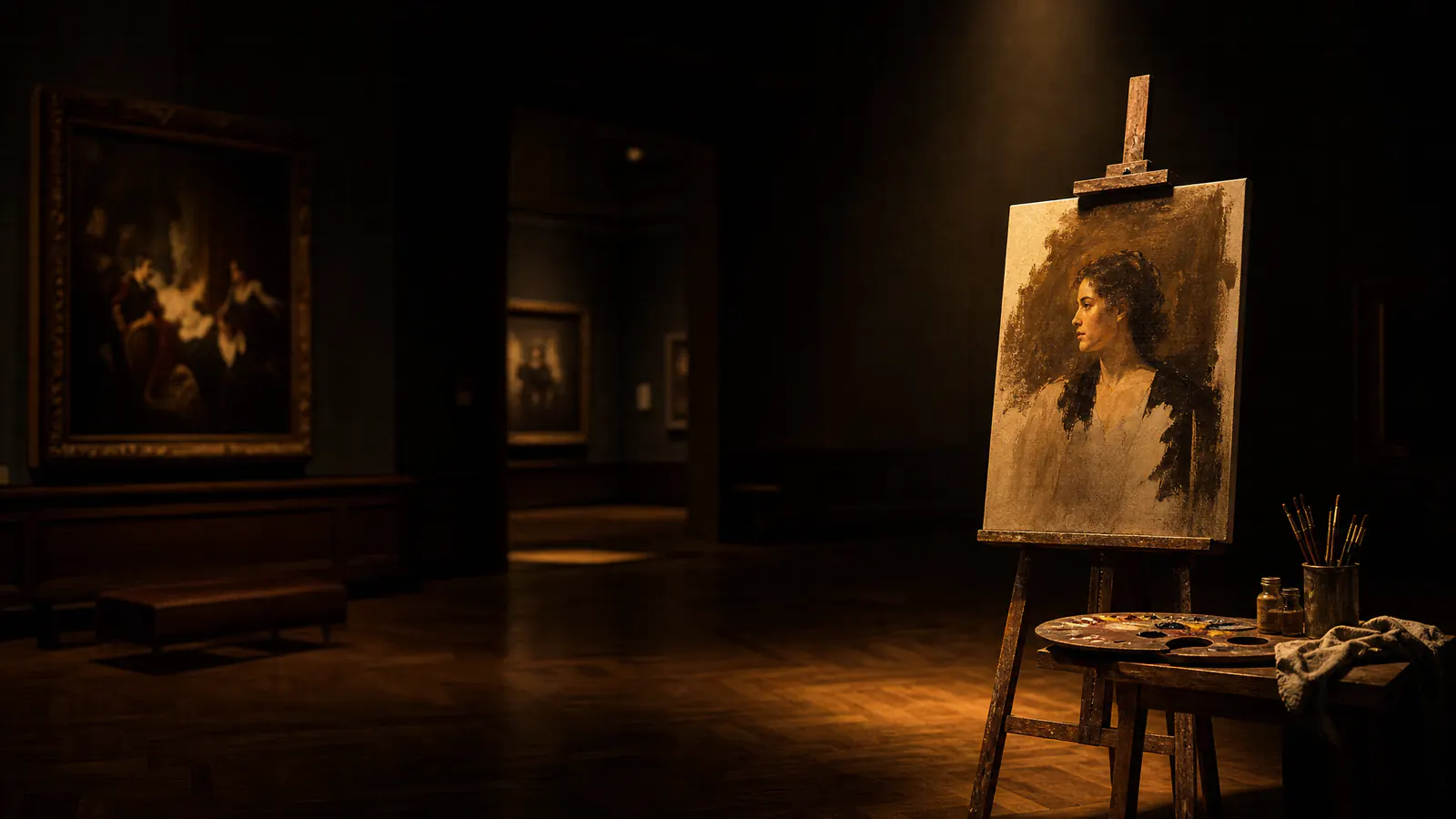
AI art portrait on a canvas lit inside a dark studio, made with an AI image generator
Generated with GPT Image 2

Live AI image generator

Create AI images in monalisa-1 studio with the models available today

The monalisa-1 model is visible but disabled. Every request, price and AI image in monalisa-1 studio is tied to the production model you actually select.

AI image model4 available
0/5000
Aspect Ratio
Resolution

Your AI image appears here

Pick an available model, write a concrete prompt, and every result stays tied to the AI image generator model that really produced it.

From prompt to picture

How to make an AI image in monalisa-1 studio

The monalisa-1 AI image generator works the same way whichever model you choose. Write a prompt, pick a model, generate, then refine. The first steps are free, nothing hides behind a subscription wall, and the credit price of each AI image is printed on the button before you spend anything.

  1. 01

    Write a specific prompt

    Good AI art starts with a concrete brief. Name the subject, the light, the medium and the mood. An AI image generator rewards nouns and verbs far more than adjectives, so describe what sits in the frame instead of how impressive the result should look.

  2. 02

    Choose an AI image model

    Every model has its own temperament. GPT Image 2 is the dependable generalist, Nano Banana 2 and Nano Banana Pro lean into colour and reference-driven editing, and Z-Image is the inexpensive option for exploring a direction quickly. monalisa-1 will join the list only when it is genuinely ready.

  3. 03

    Generate and compare

    Run the same brief through more than one AI image generator model before you commit. Comparing two or three AI images from identical wording teaches you more about a model than any benchmark table, and it costs only a handful of credits.

  4. 04

    Refine, then download

    Switch to image to image, upload your strongest result as a reference, and push the composition further. When an AI image finally lands, download the full-size file from the studio; the prompt stays in your history so you can reuse it later.

Why the monalisa-1 AI image generator

The monalisa-1 AI image generator shows its working

Plenty of free AI image generator sites hide the underlying model behind a brand name and a marketing number. monalisa-1 does the opposite. Every AI image is stamped with the model that produced it, every price comes from one server-side catalog, and every limit is written down where you can read it — including the monalisa-1 model, which is listed but deliberately disabled.

Four AI image models, one monalisa-1 studio

Switching between AI image generator models takes a single click. Your prompt, your reference images and your scene stay exactly where they are, so you can compare AI art from four production models without retyping a word.

Free to start, credits when you generate

Opening an account and exploring this free AI image generator costs nothing — no subscription, no card just to look around. Credits are spent only when a generation succeeds, and a failed AI image is refunded automatically instead of quietly vanishing.

Text to image and image to image

Begin from a blank prompt or from a picture you already have. The AI image generator accepts reference images for composition, subject and style on every model that supports them, inside that model's verified upload limit.

Honest labels on every AI image

Sample AI art across this site carries the name of the model that made it. monalisa-1 is never used to dress up another model's output, and no example here is presented as something it is not.

Server-side pricing you can check

The credit cost beside the generate button is the cost you are charged. One catalog drives both the AI image generator interface and the billing path, so the displayed price and the actual deduction cannot drift apart.

Your AI images stay in one place

Every AI image you make in the monalisa-1 AI image generator is kept in a private history alongside its prompt and its model. Come back a week later, re-read the brief that worked, and run it through the AI image generator again without digging through your downloads folder.

The monalisa-1 direction

The monalisa-1 model: an AI art generator built on artistic judgment

The monalisa-1 model is the AI image model we are designing in-house. It has not been released, so everything below is a set of design goals rather than a specification — resolution, speed and pricing are all TBA. Until it ships, this studio runs entirely on AI image generator models you can use today.

Art prior, not photo prior

Most AI image generator models optimise for camera realism. monalisa-1 is meant to reason about subject, negative space and dramatic light first, so that an AI image reads as a picture rather than as a very clean photograph.

Style lineages, not filters

Oil, watercolour, printmaking, film and fine-line painting are intended as coherent visual systems inside monalisa-1 — not disposable overlays dropped on top of an already finished render.

Portraits with real attention

Expression, hands and fabric decide whether a portrait feels observed or synthetic. monalisa-1 plans to treat them as first-class problems, because they are exactly where a generic AI image generator tends to give itself away.

A boundary worth keeping

Typography, interface screenshots and information-dense graphics stay a job for GPT Image 2. A focused AI image model should know what it is not for, and say so on the page instead of overpromising.

A gallery with provenance

AI art styles you can generate in monalisa-1 today

These examples were made in this AI image generator with GPT Image 2 and are labeled accordingly — none of them is a monalisa-1 result. Each began as plain-language wording, so you can rebuild any of them in the studio and push the style somewhere of your own.

Expressive oil portrait AI image under warm side light
Generated with GPT Image 2

Expressive oil portrait

Ask the AI image generator for visible brushwork, warm side light and a shallow background. Oil prompts respond to material words — impasto, glaze, canvas weave — far better than to the name of a painter.

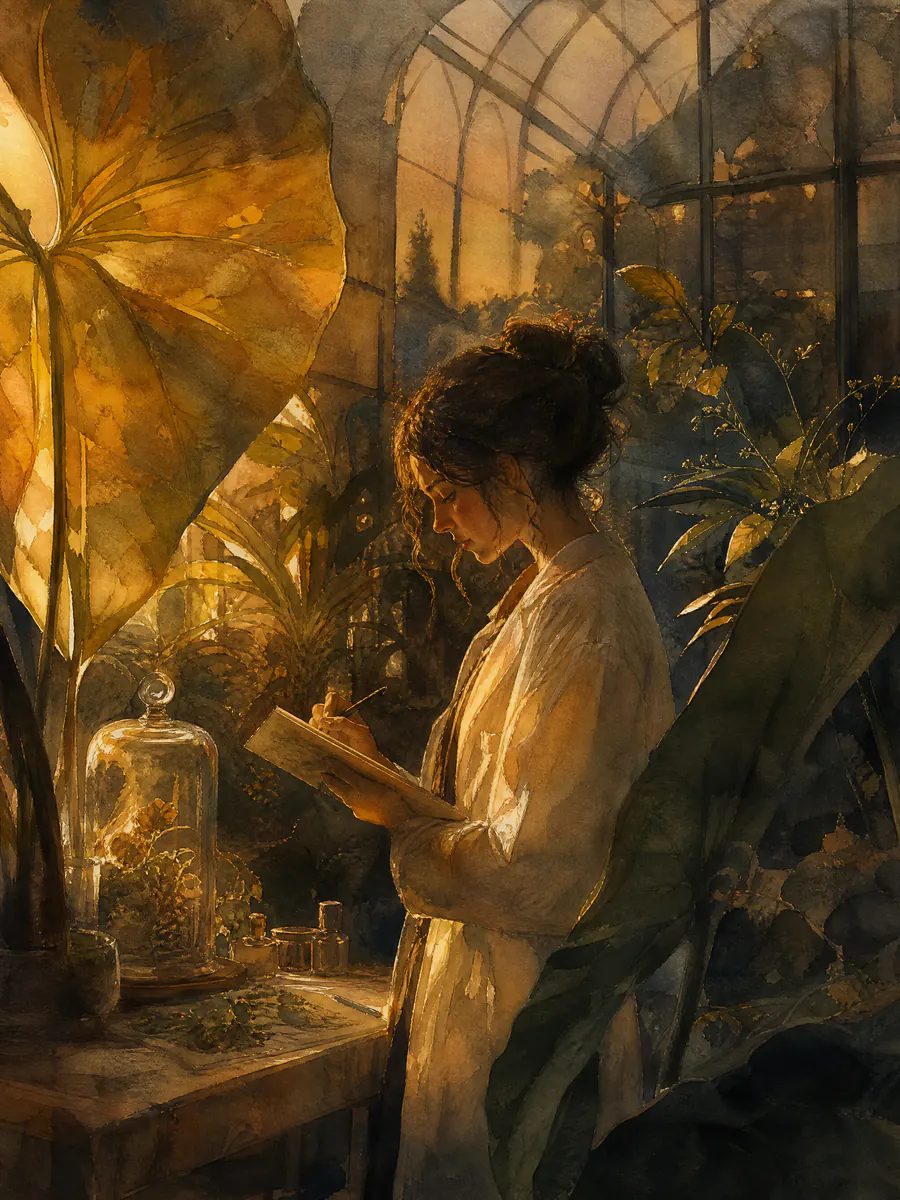
Watercolour AI art of a botanist in a dusk glasshouse
Generated with GPT Image 2

Watercolour illustration

Watercolour AI art lives or dies on restraint. Name the paper, the wet edges and the empty space you want preserved, and the AI image generator will stop trying to fill every corner with detail.

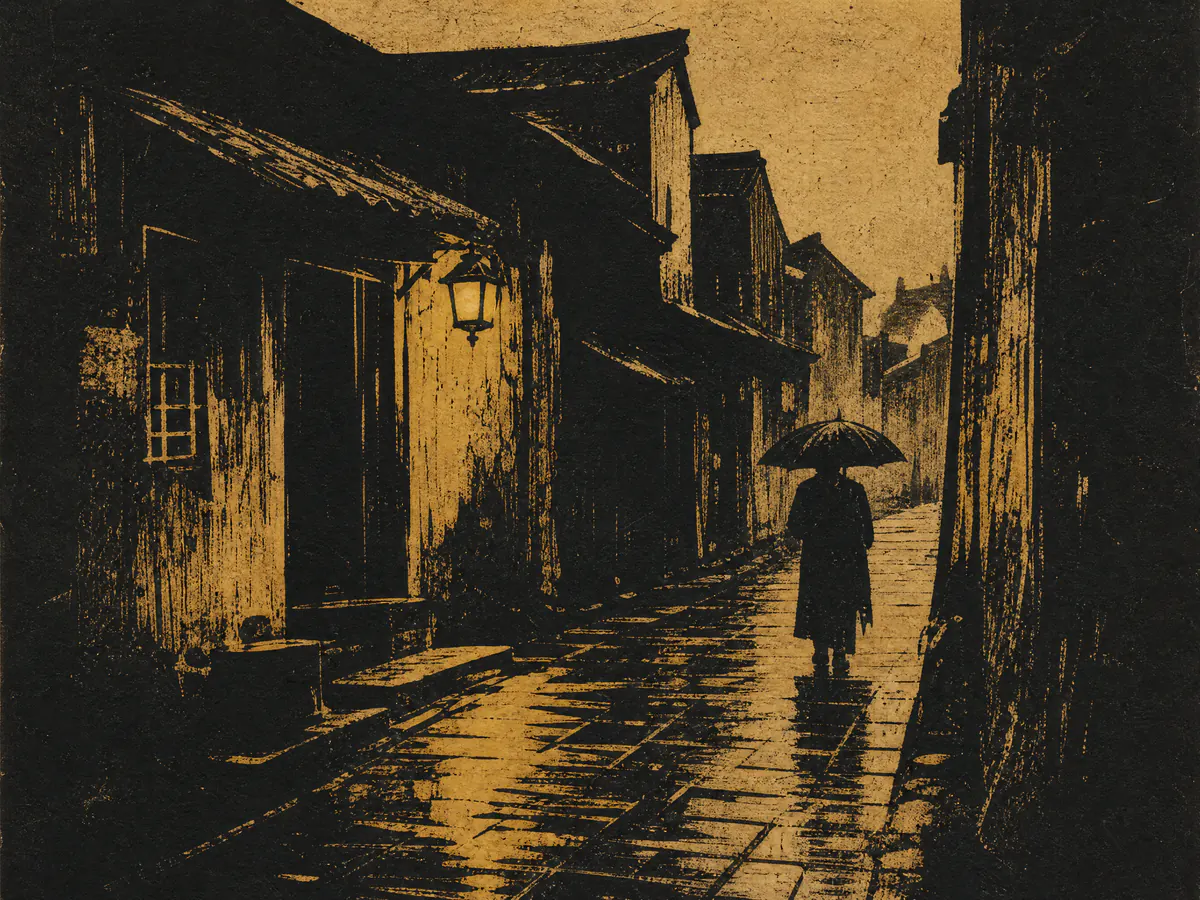
Woodcut style AI image of a city street with a lone umbrella
Generated with GPT Image 2

Woodcut and print

Relief printing gives an AI image hard edges and a limited palette. Ask for carved lines, ink texture and two or three colours, and the AI image generator returns something that looks pressed rather than painted.

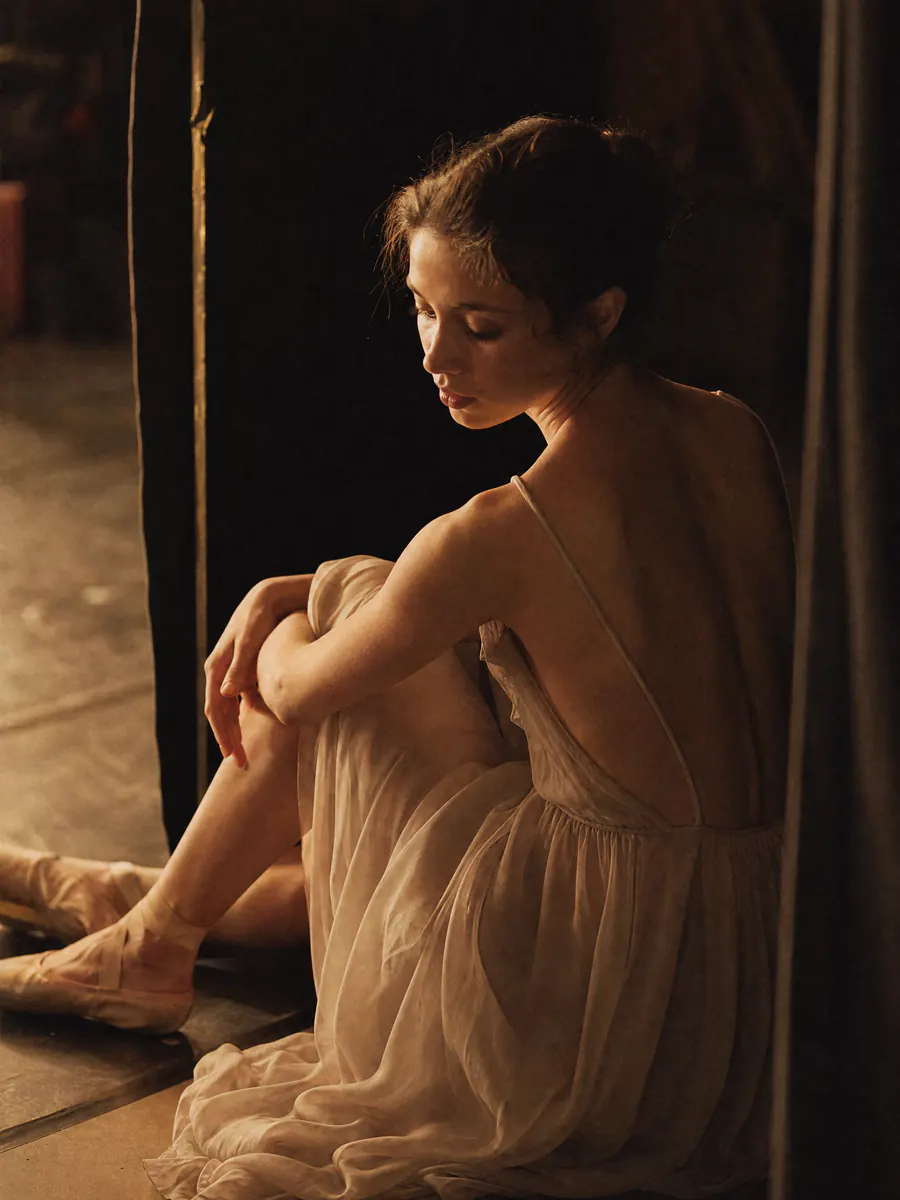
Analogue film AI image portrait of a backstage dancer
Generated with GPT Image 2

Analogue film portrait

Film language is precise, and the AI image generator listens to it. Grain, halation, a wide aperture and a named stock will move an AI image further than any request for cinematic quality.

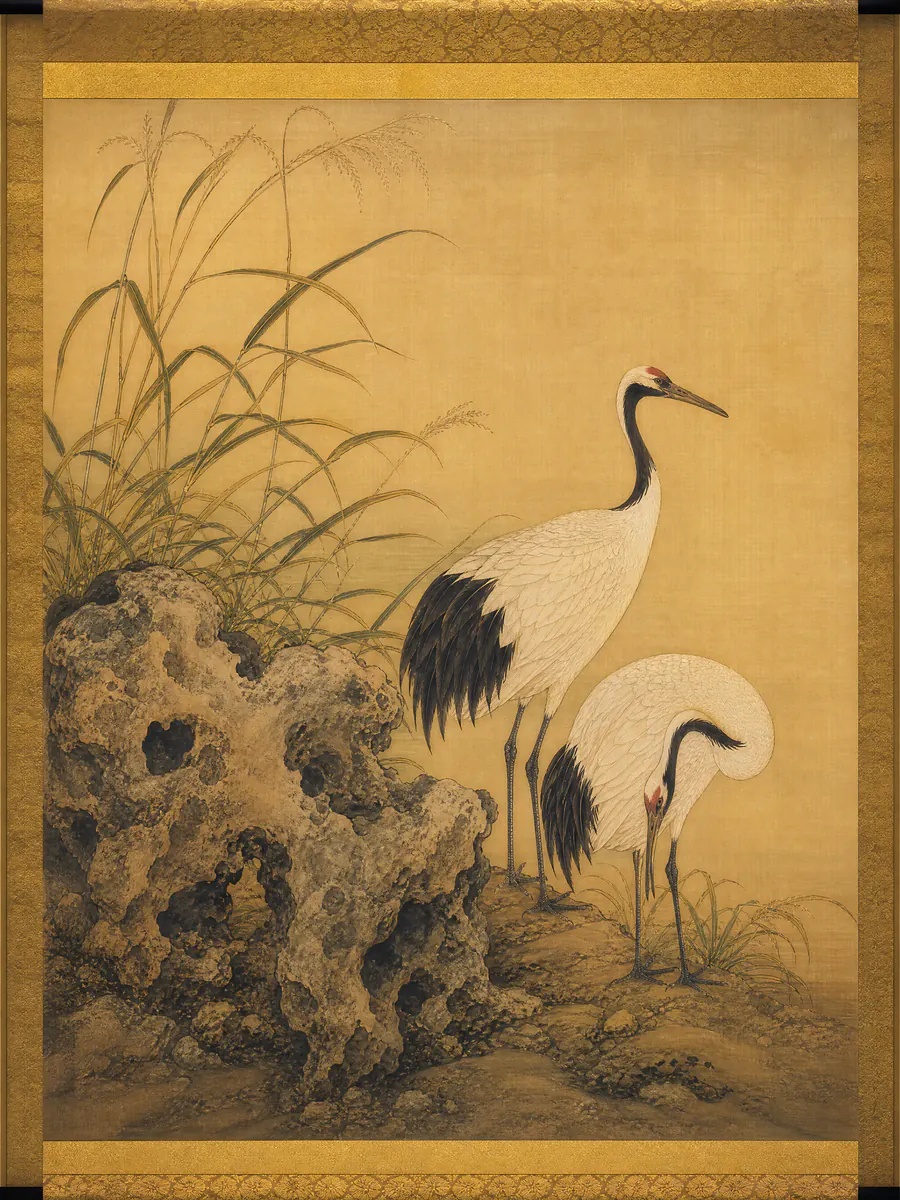
Fine-line painting AI image of cranes among reeds
Generated with GPT Image 2

Fine-line painting

Fine-line work asks for patience: even contours, flat mineral colour and generous empty ground. It is one of the clearest tests of whether an AI image generator model can hold a line steady.

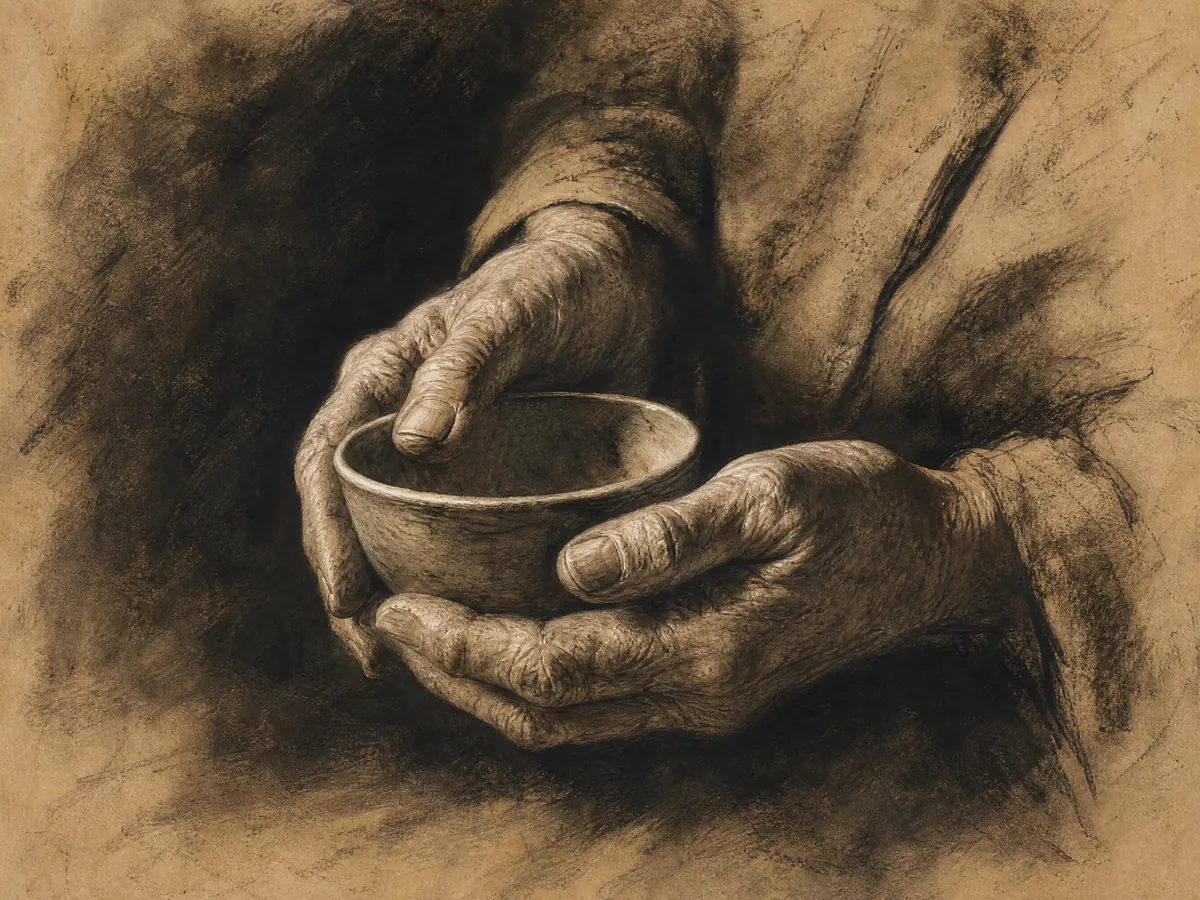
Charcoal AI art study of hands holding a ceramic bowl
Generated with GPT Image 2

Charcoal and graphite study

Drop the colour and an AI image has nowhere to hide. Charcoal prompts expose how well an AI image generator model understands weight, hands and the exact edge where light stops.

Creative territory

What people build in monalisa-1 studio

Editorial and campaign art

Build a key visual with a deliberate subject, a clear hierarchy and enough atmosphere to carry a story past a single post. Writers and marketers use the AI image generator to draft ten directions in an afternoon, then take the strongest AI image into production.

Portraits and character work

Explore expression, costume, light and identity while keeping the source model explicit. Game and fiction teams lean on the AI image generator for casting sheets and mood studies, where a fast, cheap AI image beats a slow, expensive one.

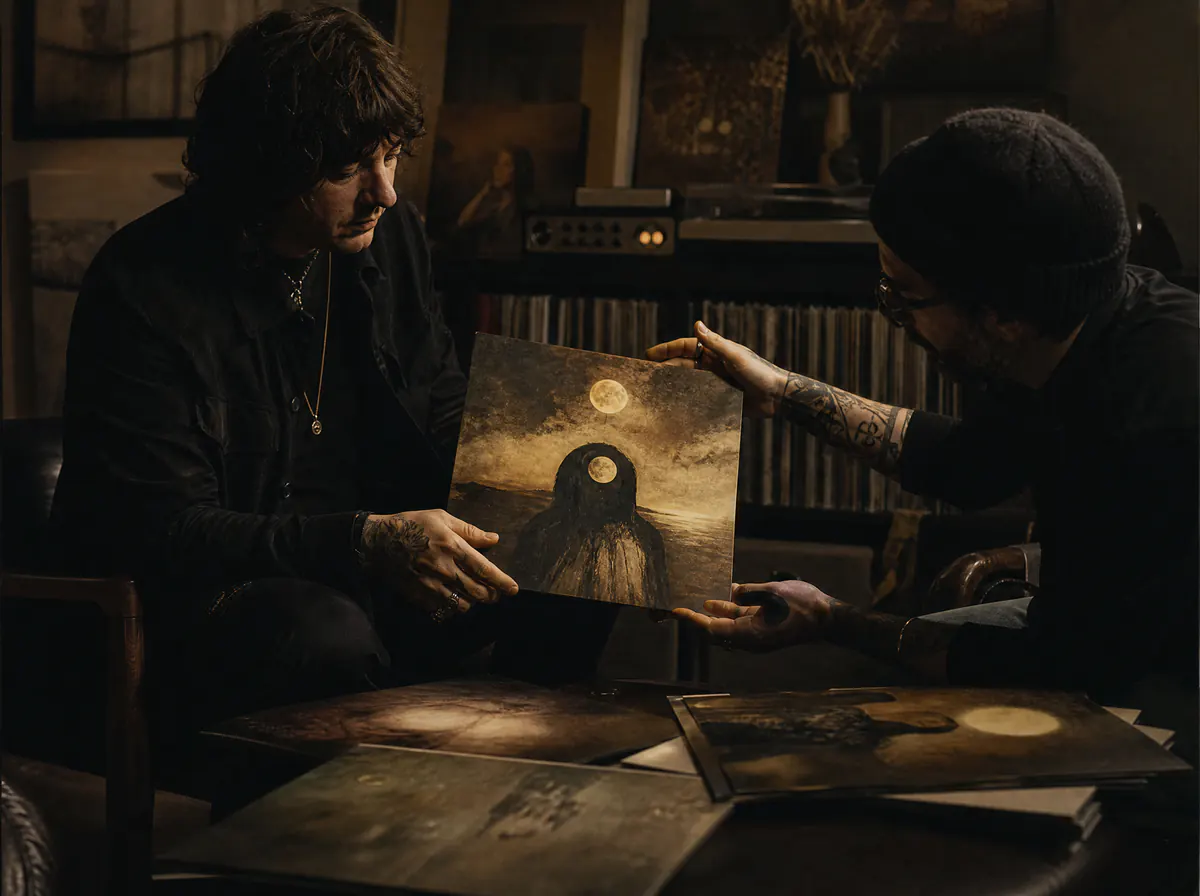
Covers and visual worlds

Shape album covers, book art and recurring worlds by choosing the model whose strengths match the brief instead of hiding the tool. Reference images keep a series consistent, so the tenth AI image still belongs beside the first.

monalisa-1 AI image generator questions, answered directly

Is the monalisa-1 AI image generator free to use?+

Creating an account, browsing every model page and setting up prompts in the monalisa-1 AI image generator is free — there is no subscription and no card needed to look around. Generation itself runs on credits, and the cost of each AI image is shown on the button before you press it. When a free-credit promotion is running it lands in your balance automatically, which makes those first AI images free.

Do I need an account to generate AI images?+

Yes. Signing in is what gives each AI image a credit balance, a private history and a refund path when a generation fails. Sign-up is free and takes a moment, and you can read every model page beforehand without one.

Which AI image models can I use today?+

Four production families are live in the AI image generator: GPT Image 2, Nano Banana 2, Nano Banana Pro and Z-Image. Each supports text to image, and the models that accept reference images also support image to image. monalisa-1 is not among them yet.

Is the monalisa-1 model available now?+

No. The monalisa-1 model appears in the catalog with a coming-soon badge, cannot be selected in the AI image generator, and is rejected by the server before pricing, balance checks or any provider call. Its specifications, pricing and release date are all TBA.

Were the examples on this page made by the monalisa-1 model?+

No. Every sample AI image in the hero and the gallery was generated with GPT Image 2, and each one is labeled with that attribution wherever it appears. Nothing on this site is dressed up as monalisa-1 output.

What will the monalisa-1 model do differently?+

Its intended emphasis is artistic composition, coherent style lineages and expressive portraiture — an AI art generator rather than a general-purpose renderer. Those remain design goals until a real model exists and can be measured.

Which AI image generator model should I pick?+

Start with GPT Image 2 when the brief is exact, Nano Banana 2 when you want colour and speed, Nano Banana Pro for detailed reference work, and Z-Image when you are exploring cheaply. Running one prompt through two models in the monalisa-1 AI image generator is usually faster than reading about them. The monalisa-1 model stays unselectable until release.

How does AI image pricing work?+

Each available model carries a server-authoritative credit price. Options are sanitised first, and the same catalog drives the cost shown in the AI image generator and the amount actually deducted, so the two cannot disagree.

Can I use reference images?+

Yes, on the models that support it. Switch the studio to image to image, upload within that model's verified limit, and choose a valid combination of options for the AI image you want back.

Can I use generated AI images commercially?+

Your use stays subject to the selected upstream model's terms and to applicable law. Review the relevant provider rules before you publish an AI image commercially or use it in a sensitive context.

Start generating free with monalisa-1

Start free: write one prompt, run it through four AI image models in the monalisa-1 AI image generator, and keep the version that works. The monalisa-1 model stays on the page as an honest view of where this studio is heading — no invented specs, no borrowed screenshots, no release date we cannot keep.

Start generating free